

Domains & organizations
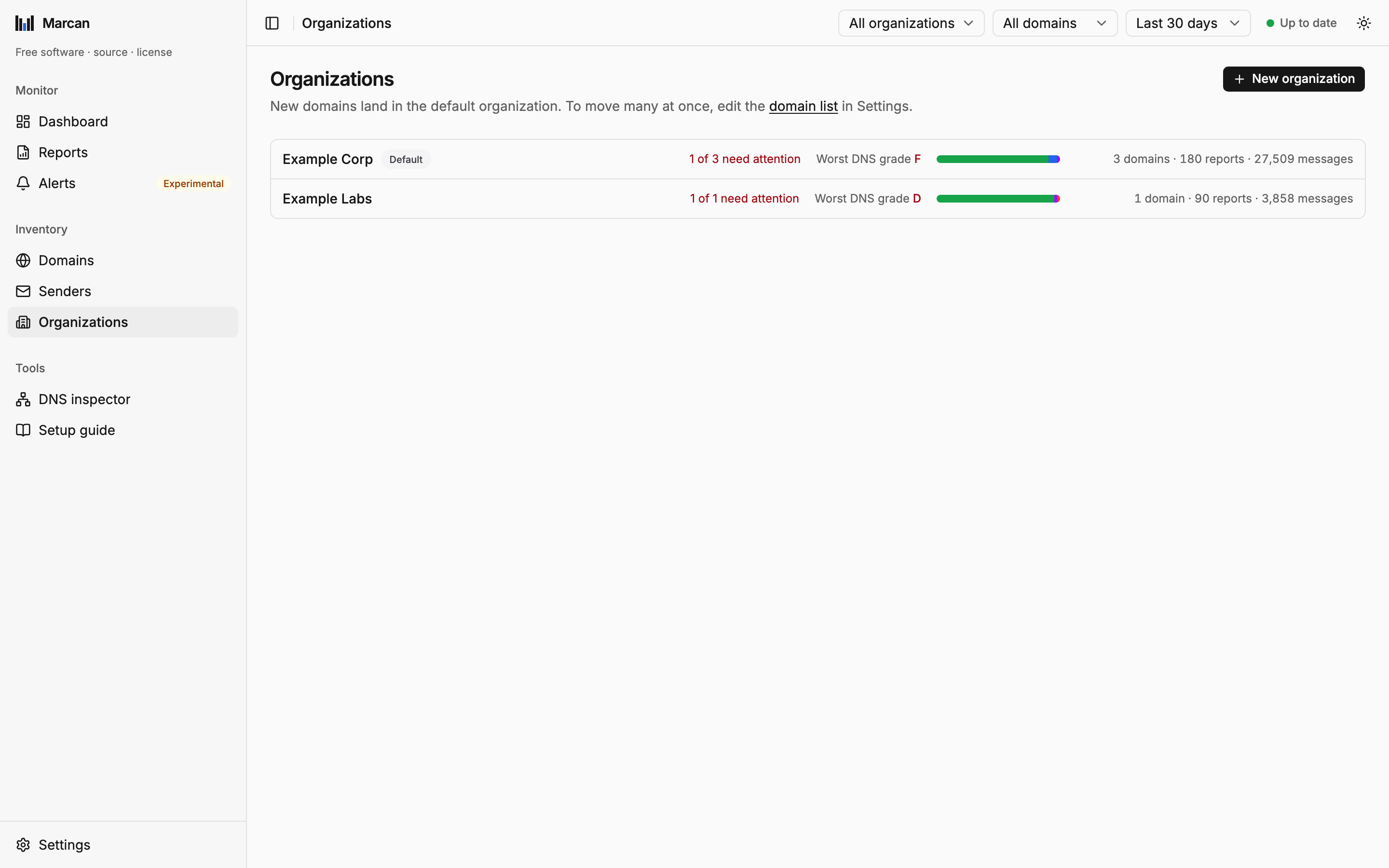
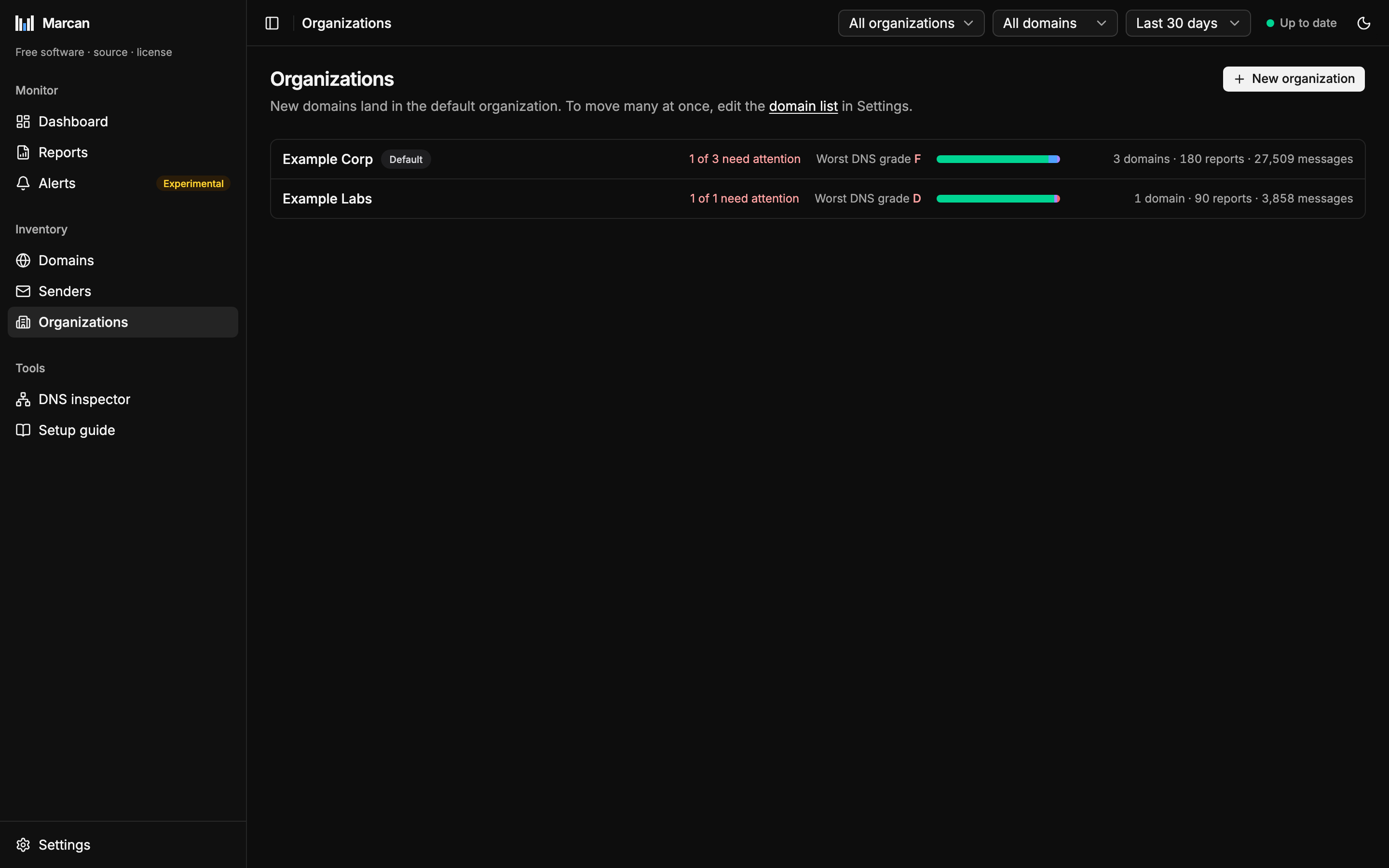
Domains are grouped into organizations, for example one per customer or business unit. Every domain belongs to exactly one organization. Filters, pages and exports can be narrowed to an organization or a single domain.
One organization is the default: domains that appear on their own, when their first report arrives, land there. It cannot be deleted. Deleting another organization moves its domains to the default one, so no report data is lost.
Each organization can get a monthly email about its domains: see Client reports.
Adding domains
Domains are added automatically when their first report arrives. To monitor a domain before that, add it on the Domains page or in the domain list below. A domain without reports is fine: its DNS is checked within about a minute.
The domain list
The Domains page and each organization's page list 50 domains at a time, with Previous and Next below. Type in the box above the list to narrow it to domains whose name, or whose organization's name, contains the text. Click a column header to sort by it. The figures above the list always count every domain in the selected organization and time range, whatever the list shows.
Domain status
| Status | Meaning |
|---|---|
| (normal) | Monitored. |
parked | Sends no mail of its own. It is expected to publish p=reject, and any mail that passes DMARC for it is flagged: something is sending as it. |
ignored | Not yours. Its reports are deleted and new ones are dropped when they arrive. Ignored domains are listed last. |
Taking ignored off a domain monitors it again and re-imports the mailbox, which brings its history back as far as the mailbox still holds the reports. Adding an ignored domain again does the same.
Domains as text
Settings → Domains holds every domain as one CSV list. Use it to move, add, park or ignore many domains at once. The editor shows what saving will change before you save.
Acme,acme.com
Acme,acme-old.com,parked
Acme,acme-spoof.com,ignored
Beta,beta.ch- One
organization,domainper line. The optional third column is the status:parkedorignored. - Quote names that contain a comma:
"Acme, Inc",acme.com. - An optional
organization,domain,statusheader line is skipped, and#starts a comment. - Saving creates organizations it does not know yet.
- Domains that are not listed stay as they are. Removing a line does not remove a domain.
Because the list is plain text, you can edit it elsewhere (in a spreadsheet, or with an AI assistant) and paste it back.