

DNS checks
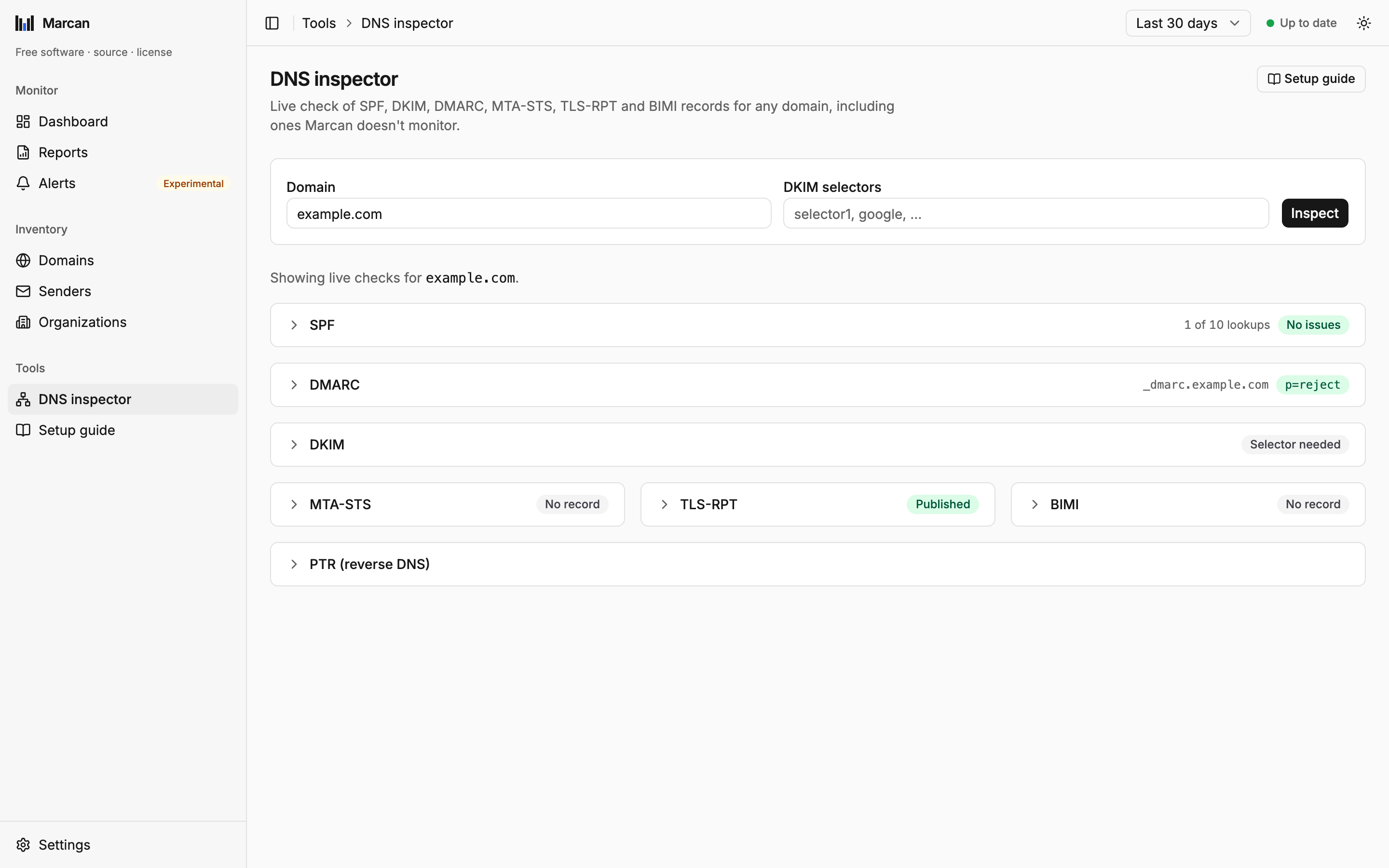
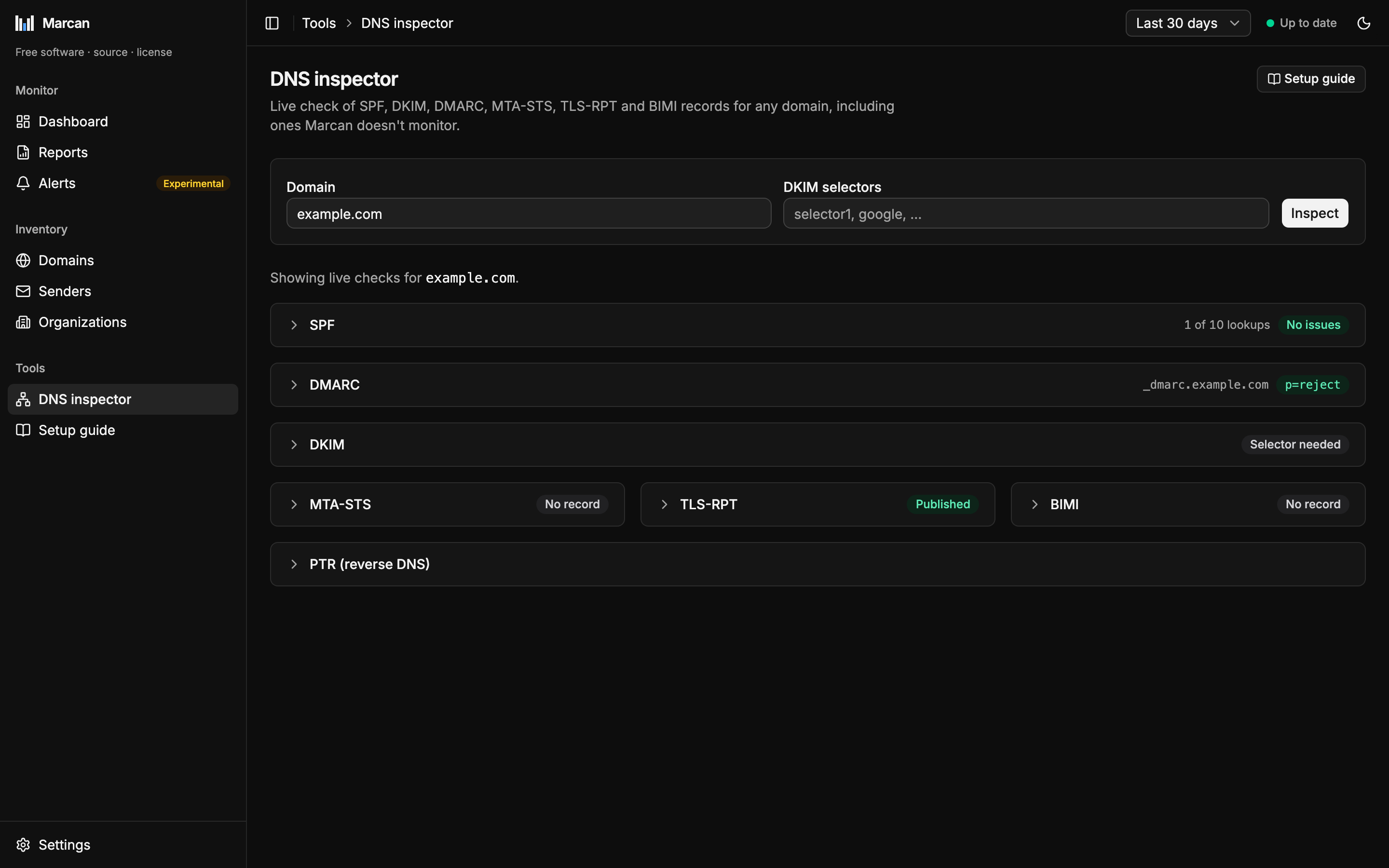
Marcan checks each monitored domain's mail DNS records live, and the DNS inspector checks any other domain on demand.
What is checked
| Check | What Marcan looks at |
|---|---|
| DMARC (RFC 7489) | Policy (p=), subdomain policy (sp=), rollout percentage (pct=), alignment modes, and whether external report addresses (rua= / ruf=) have authorized receiving the reports (RFC 7489 §7.1). |
| SPF (RFC 7208) | The full include tree, the 10-lookup limit, void lookups, mechanism syntax, and how the record ends (-all, ~all, +all). |
| DKIM (RFC 6376) | The selectors seen signing in your reports, plus the ones on your selector list. Key type and size. |
| MTA-STS (RFC 8461) | The DNS record and, only when the record exists, the policy file: the fetch follows no redirects and reads at most 64 KB. A policy host that does not resolve, redirects, serves the wrong certificate or answers with an error shows as Policy unreachable, since receivers cannot apply the policy either. So does a policy host that resolves to a loopback, private, link-local, unique-local or multicast address (or the cloud metadata address 169.254.169.254): Marcan does not connect to it, so a report for a made-up domain cannot point the server at an internal service. |
| TLS-RPT (RFC 8460) | The reporting record: exactly one, with a rua= address. |
| BIMI | The assertion record. An empty l= is a declination (the domain opts out of BIMI). No effect on the score. |
DKIM selectors
A domain's DKIM keys cannot be listed from DNS, so Marcan never guesses selectors. It checks the selectors your reports have seen signing for the domain, plus the global list under Settings → DNS checks → Extra DKIM selectors (one per line). Add a selector there for a service that has not signed any reported mail yet.
RSA keys of 2048 bits or more, and Ed25519 keys, are fine. A 1024-bit key is a warning; a smaller one is critical.
The DNS score
A grade from 0 to 100 for DNS configuration only. Report data never affects it.
It starts at 100, and each distinct finding deducts once:
| Severity | Points | Examples |
|---|---|---|
| Critical | −28 | No DMARC record, p=none, SPF over 10 lookups, +all |
| Warning | −8 | ~all, pct= below 100, a 1024-bit DKIM key |
| Info | −2 | MTA-STS or TLS-RPT not published, a policy file receivers cannot read, two records where one is allowed |
| Notice | 0 | BIMI, unknown tags, a lookup or fetch that did not finish |
Grades: A from 90, B from 80, C from 70, D from 60, F below. Because p=none is critical, a domain that only monitors shows red until it enforces a policy. That is intentional: with p=none, spoofed mail is delivered.
When checks run
- In the background for every monitored domain, about once an hour.
- When a new domain appears, added by hand or found in a report, within about a minute. While new domains wait for their first result, the dashboard and the domain list show Checking DNS: n of m domains checked.
- On Re-check DNS, at once. A re-check also forgets cached answers, so a record you just published shows up immediately.
- After the DKIM selector list changes, the next time a domain is opened.
When a check fails
A check that times out, or resolves only part of an SPF include tree, never replaces a result. The last complete result stays on screen, marked stale, and the check is retried in the background with backoff: after 10 minutes, then doubling up to every 4 hours. A domain that has never had a complete result shows Check failed; one that has not been checked yet shows Not checked yet in the domain list, never a missing record. Timeouts are logged with the queried name and the resolver.
A result from an older version of Marcan's checks stays visible, marked updating, until the new check has run. Those domains are re-checked first after an upgrade.
Resolvers
Checks use Cloudflare (1.1.1.1) and Google (8.8.8.8) by default. Set your own resolvers under Settings → DNS checks → Resolvers. Changing them starts every domain's retry schedule afresh. The MTA-STS policy host is resolved through the same resolvers, not the operating system's.